📘 LEVEL 3: FORMATTING & DATA PRESENTATION
Formatting does not change values, it only changes how data looks.
Good formatting = readable sheets + professional reports.
🔹 PART 1: Cell Formatting (Number, Date, Currency)
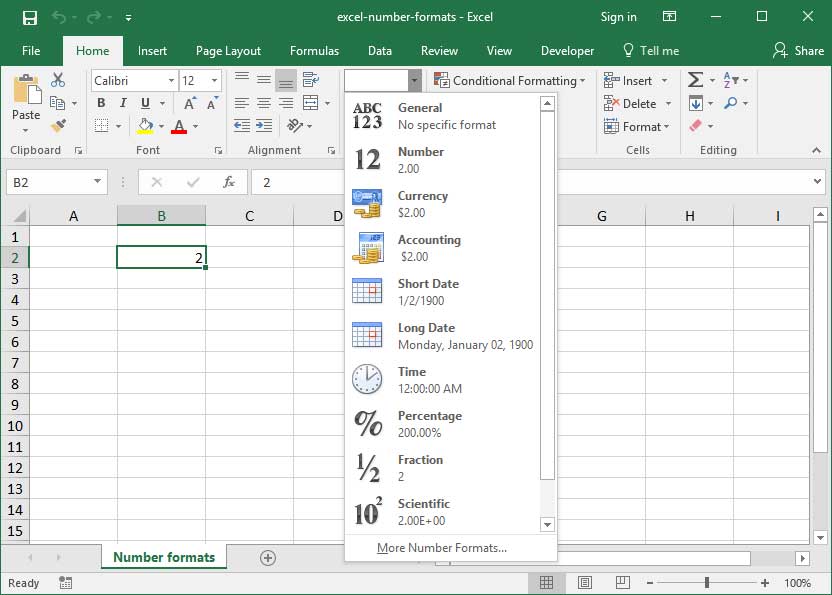

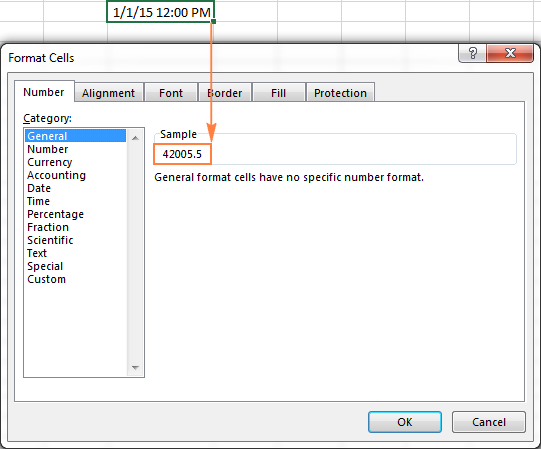
📌 Where is formatting?
- Select cells
- Go to Home tab → Number group
- Or press Ctrl + 1 (very important shortcut)
1️⃣ Number Formatting
Example Data:
Type in column A:
1234
12.56789
Steps:
- Select the cells
- Home → Number Format dropdown